Email Logs
Open Email > Email Logs to inspect recorded delivery attempts.
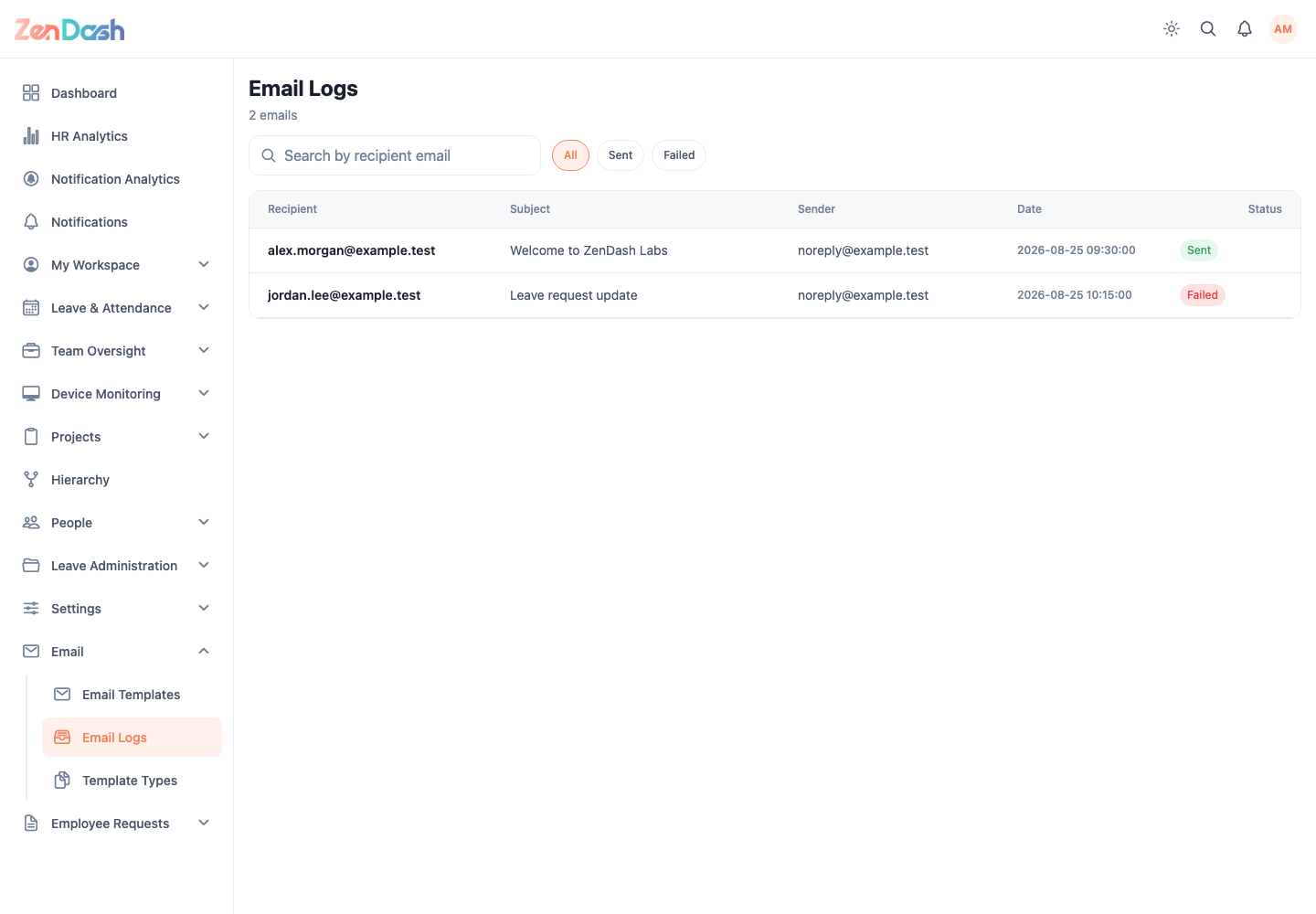
Search by recipient email and filter with All, Sent, or Failed. Each row or card shows the available recipient, subject, status, and timestamp information.
Use a failed record to identify the affected recipient and message, then correct the source template, recipient data, or delivery configuration. The log is read-only and does not provide a resend action.